
 Home
NHAT NGU DAI BAN – A free Japanese learning app
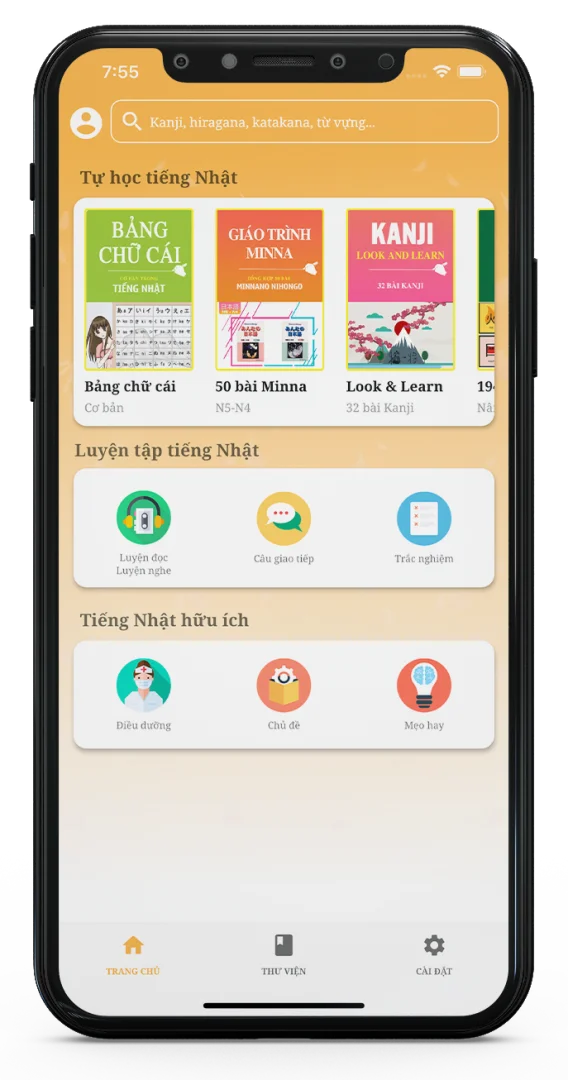
Nhat Ngu Dai Ban is an app developed using CICS learning materials to guide Japanese learners from beginner to advanced level along a clear learning path. It is especially suitable for beginners.


 Why Choose Nhat Ngu Dai Ban?

Excellent Features
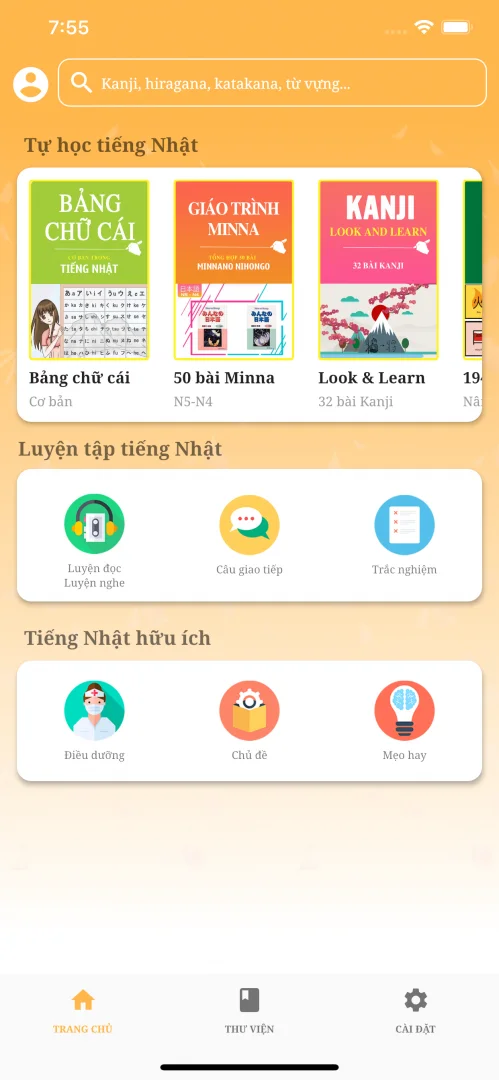
The app brings together many useful study features and shares Japanese learning methods with people who love the language and culture.

Intuitive Design
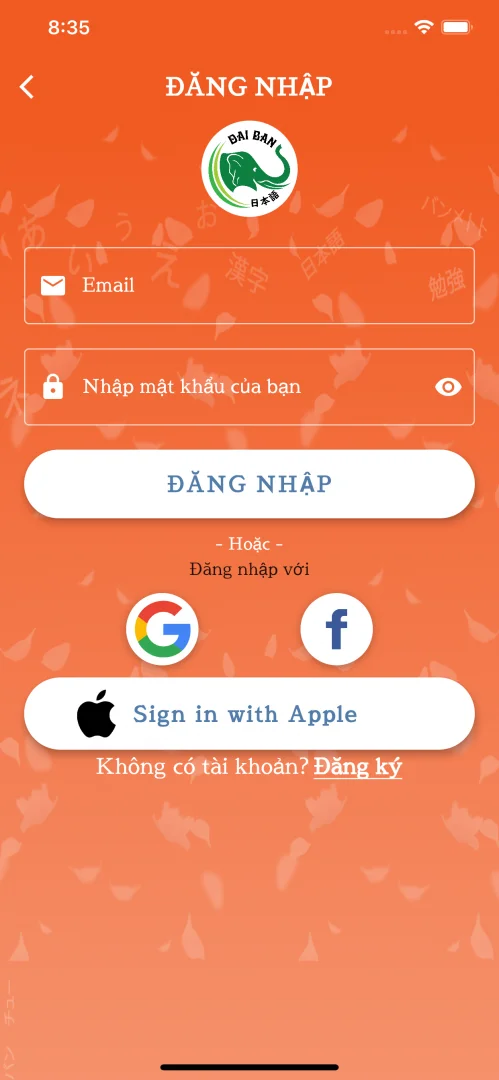
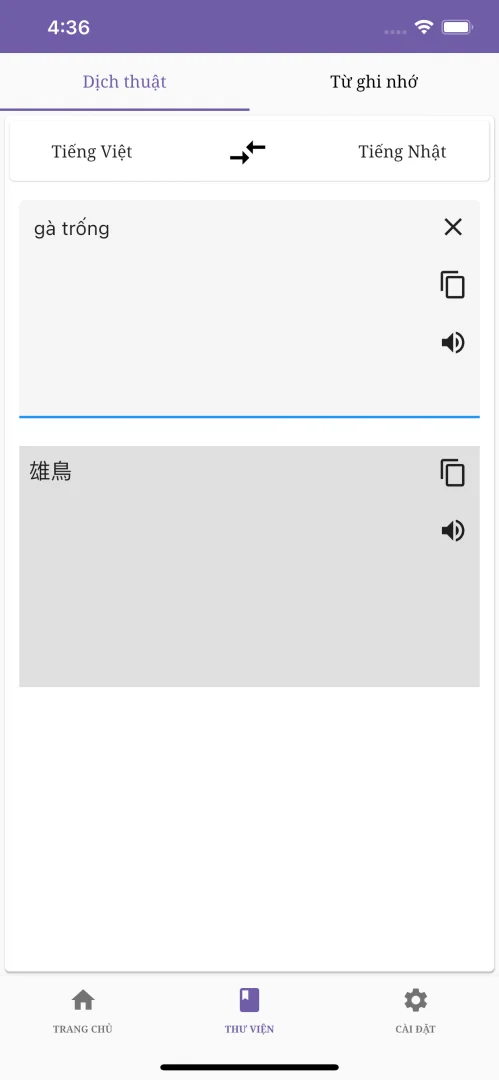
An easy-to-use interface you can customize to your preferences, with Vietnamese–Japanese language switching.

Offline Features
Some lessons and features can be used OFFLINE without an internet connection.
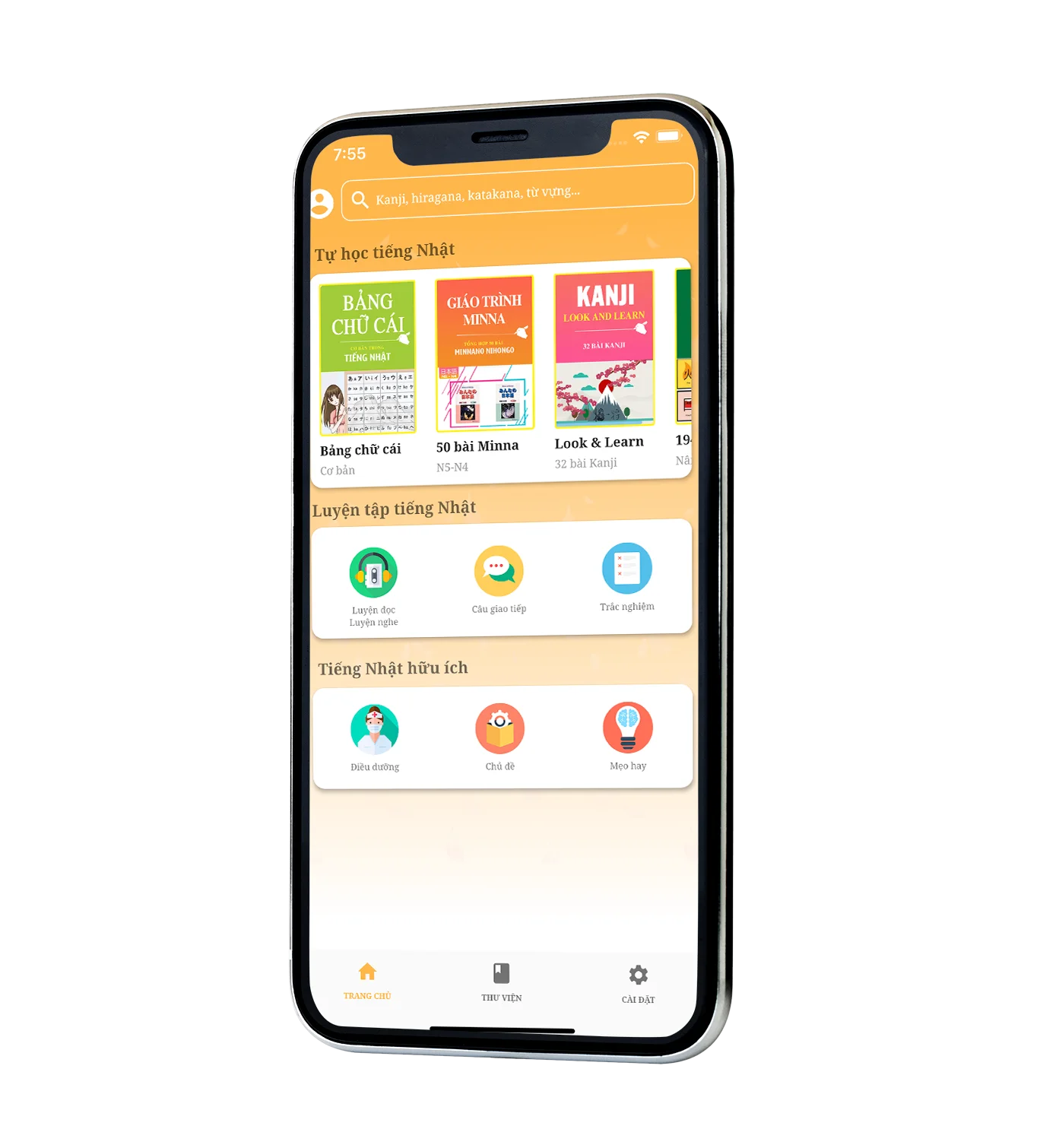
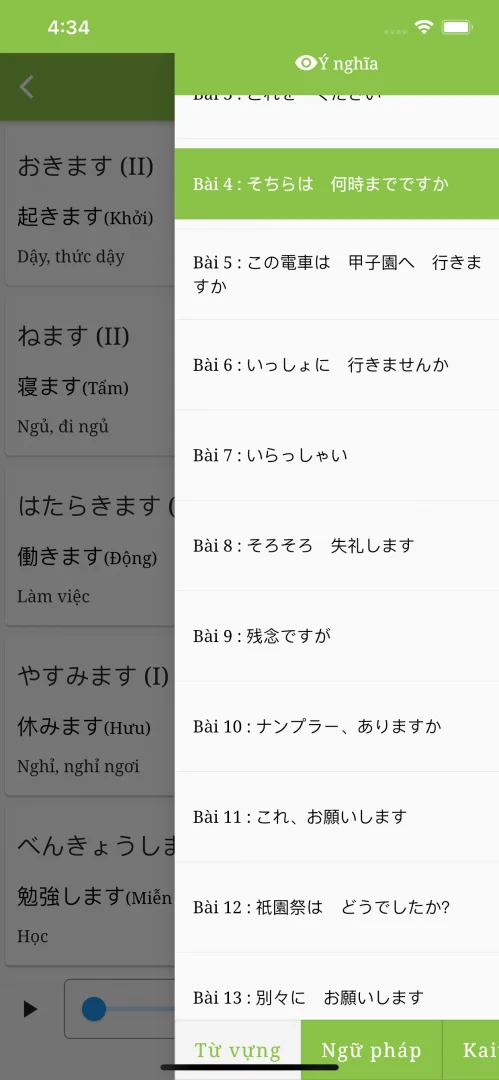
Learn Japanese for Free– A broad collection of resources from textbooks such as Minna no Nihongo, Kanji Look and Learn and Soumatome, updated regularly.
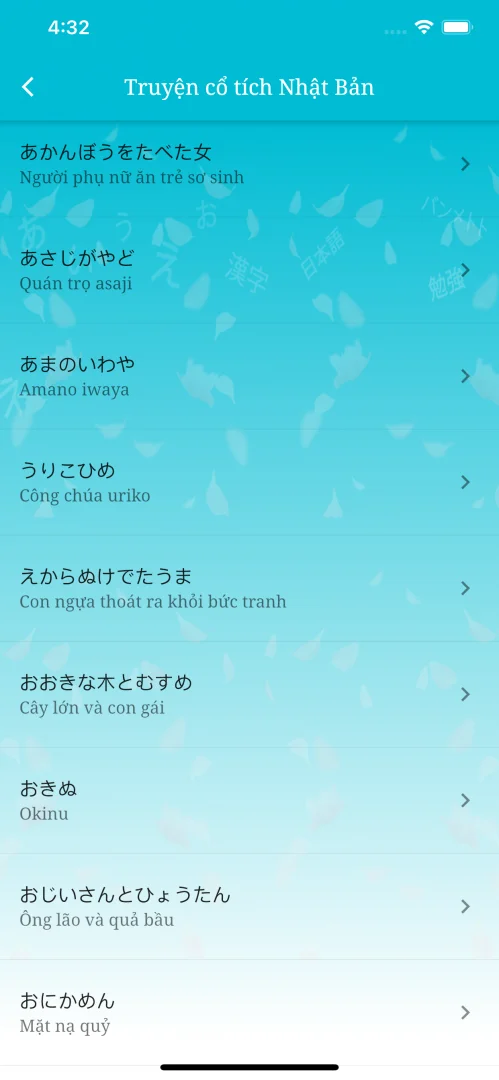
– Practice reading and listening with native speakers and thousands of everyday conversations on interesting topics.
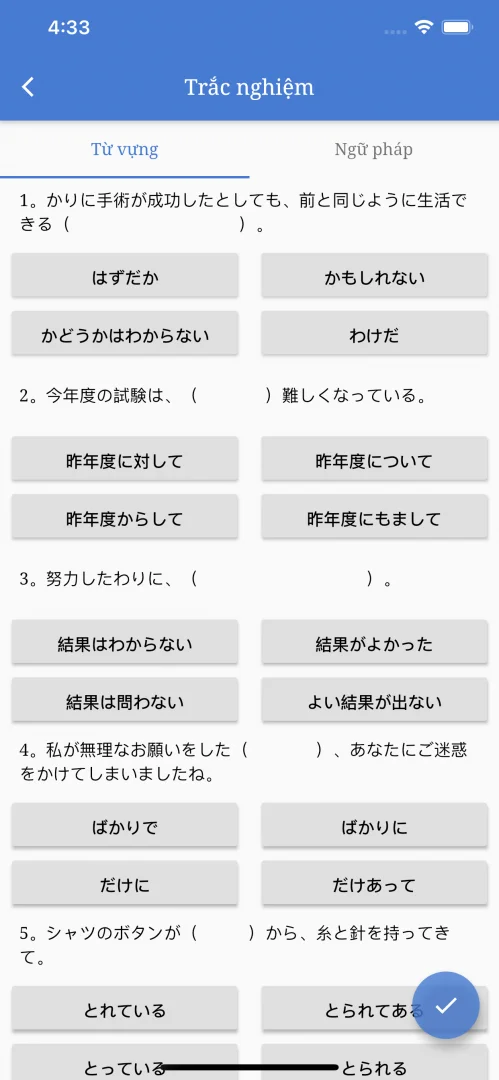
– Vocabulary, grammar and Kanji quizzes, plus engaging Kanji games to help you build your study habits.
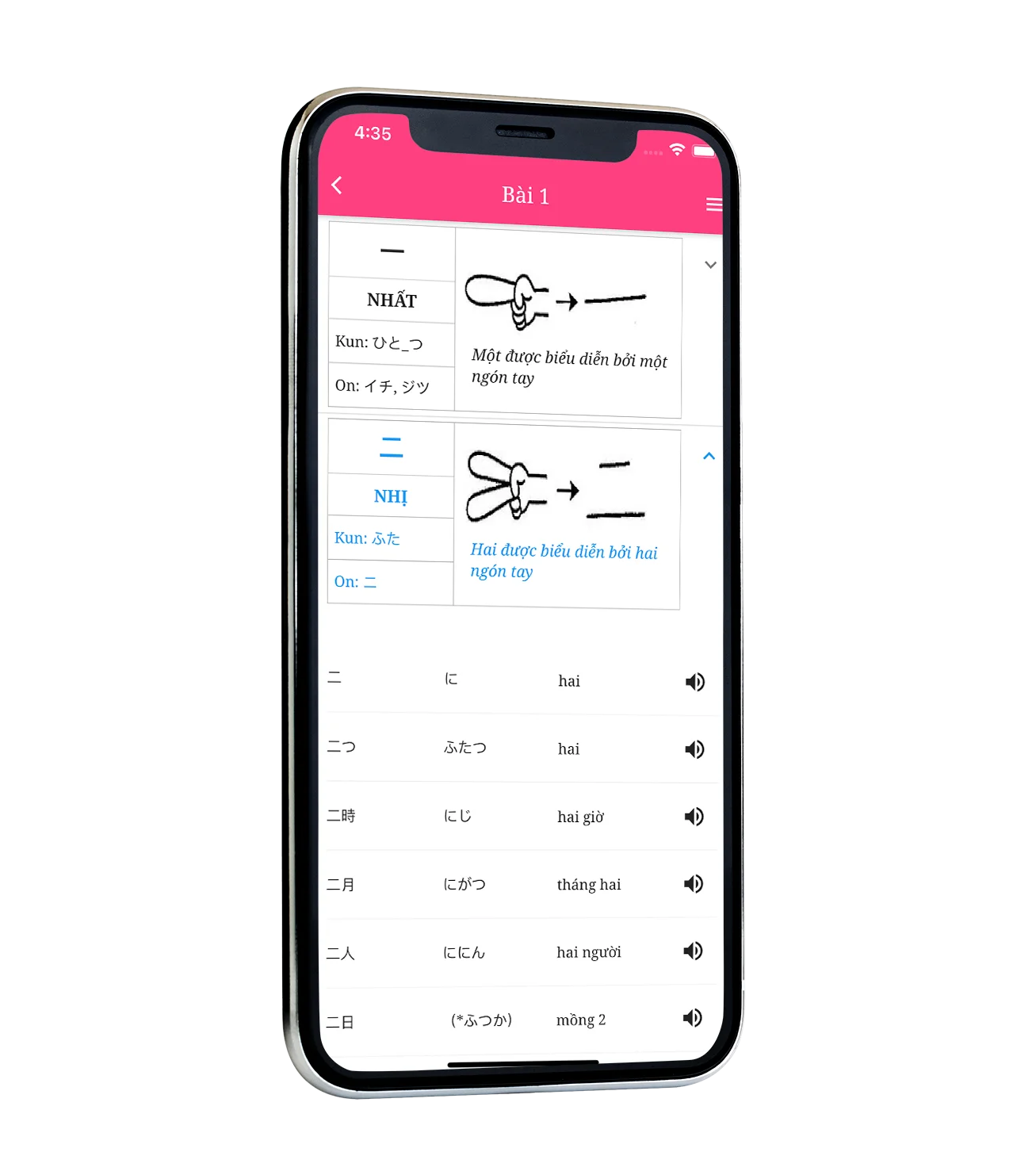 JLPT Kanji N1–N5
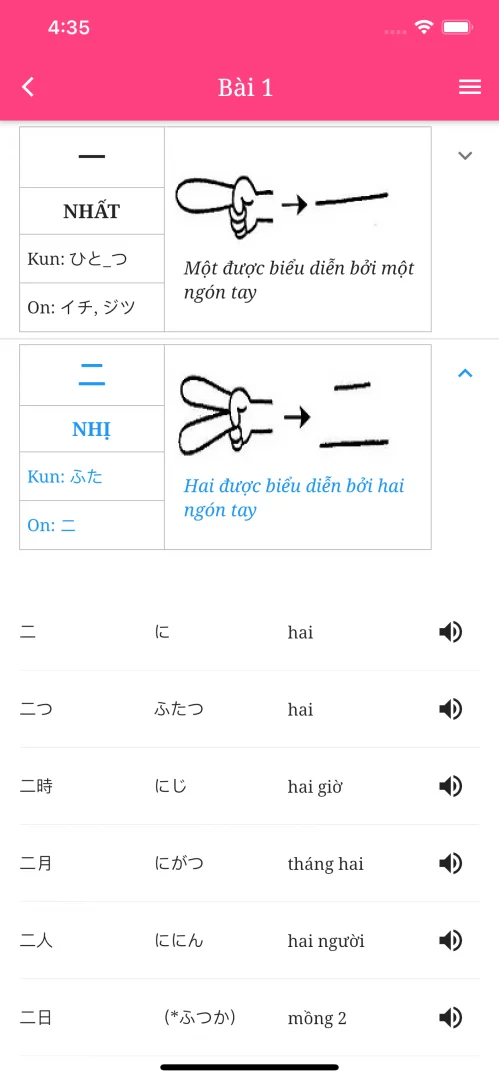
512 basic Kanji, 1,945 advanced Kanji and Kanji writing practice. Learn characters with a fresh approach, look up Kanji in the app and try interactive learning games.
Learn more A Variety of Practice TestsPractice tests modeled on the JLPT and NAT-TEST help you understand the exam format and content.
Learn more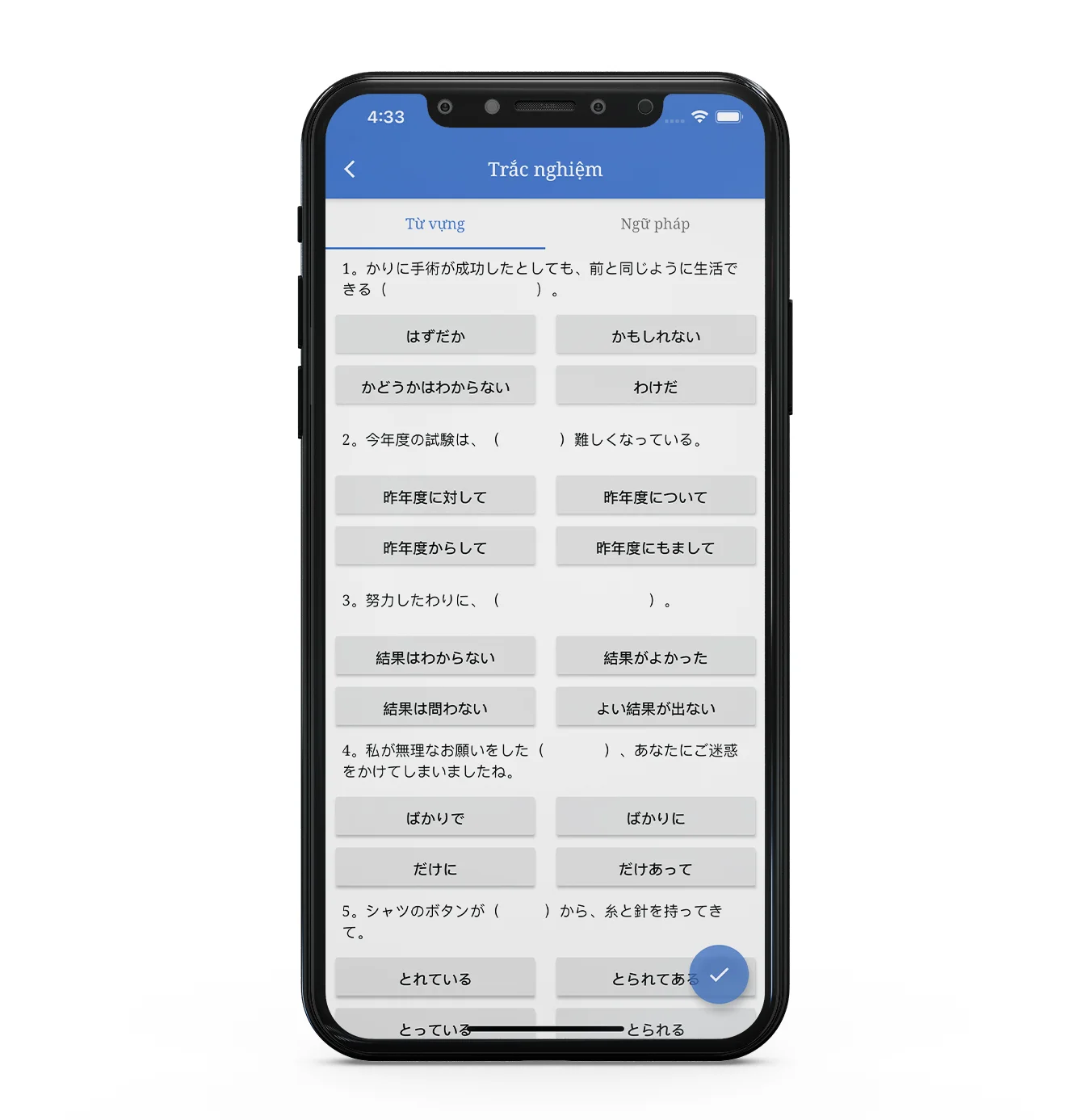 Screenshots
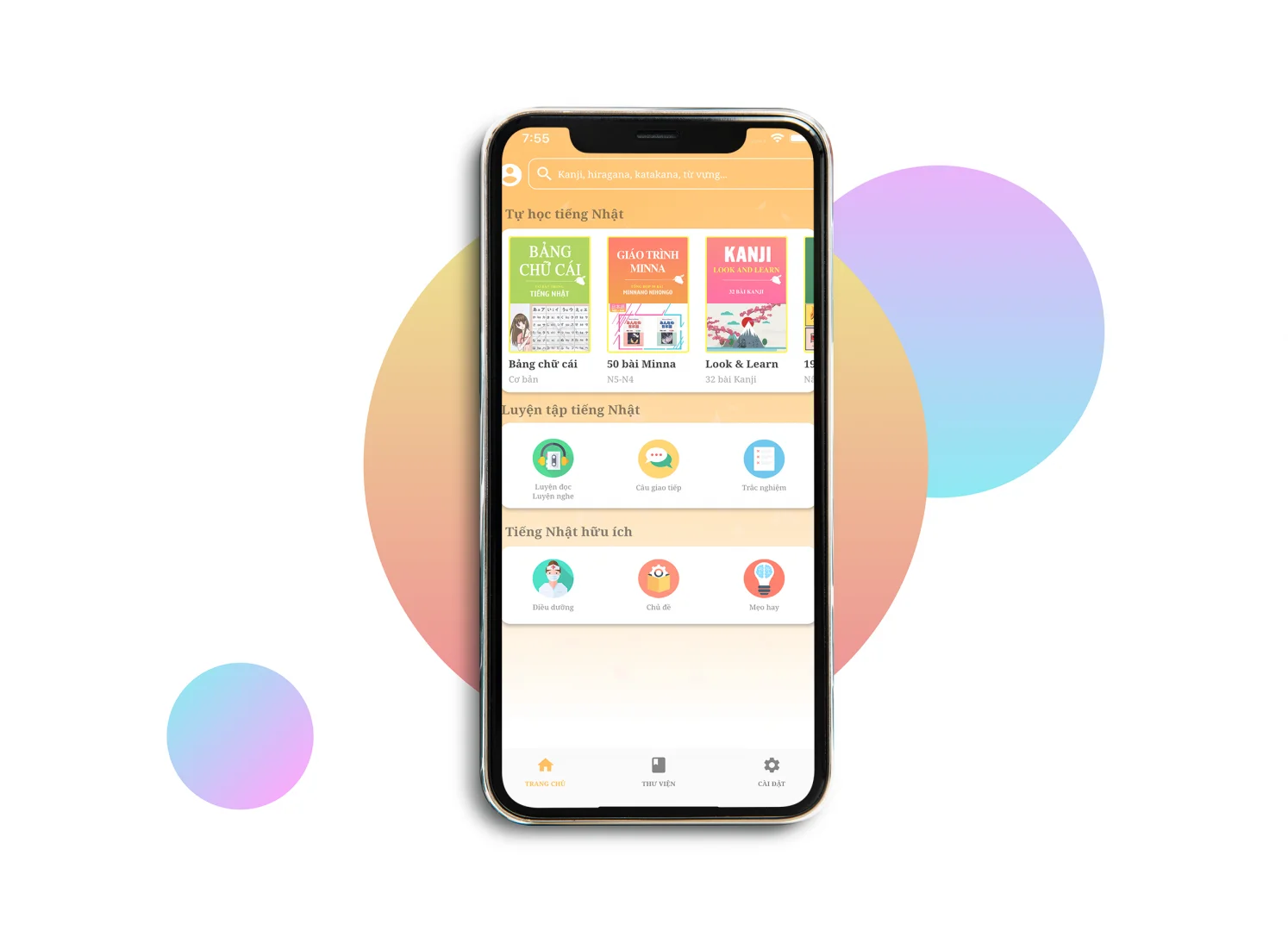 Install the App
Try the new interface in our app for iPhone and Android. Download it to explore the experience for yourself.
Frequently Asked Questions
Here are answers to some common questions.
 How do I download the app?
- On your phone, open the Google Play or App Store app.
- Search for “Nhat Ngu Dai Ban”.
- Tap Install.
- Follow the on-screen instructions to finish installation.
To update Dai Ban on your device:
- Open Google Play or App Store
- Tap the Menu
My apps & games.
- Select Nhat Ngu Dai Ban
You can also enable automatic updates in your device settings.
How do I use the app features?Our features are free to use. Thank you, and happy learning!
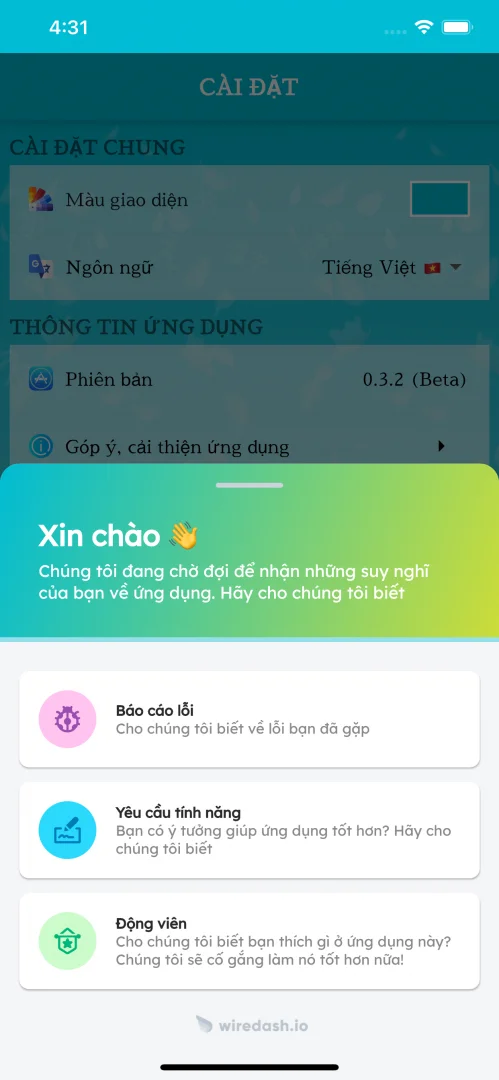
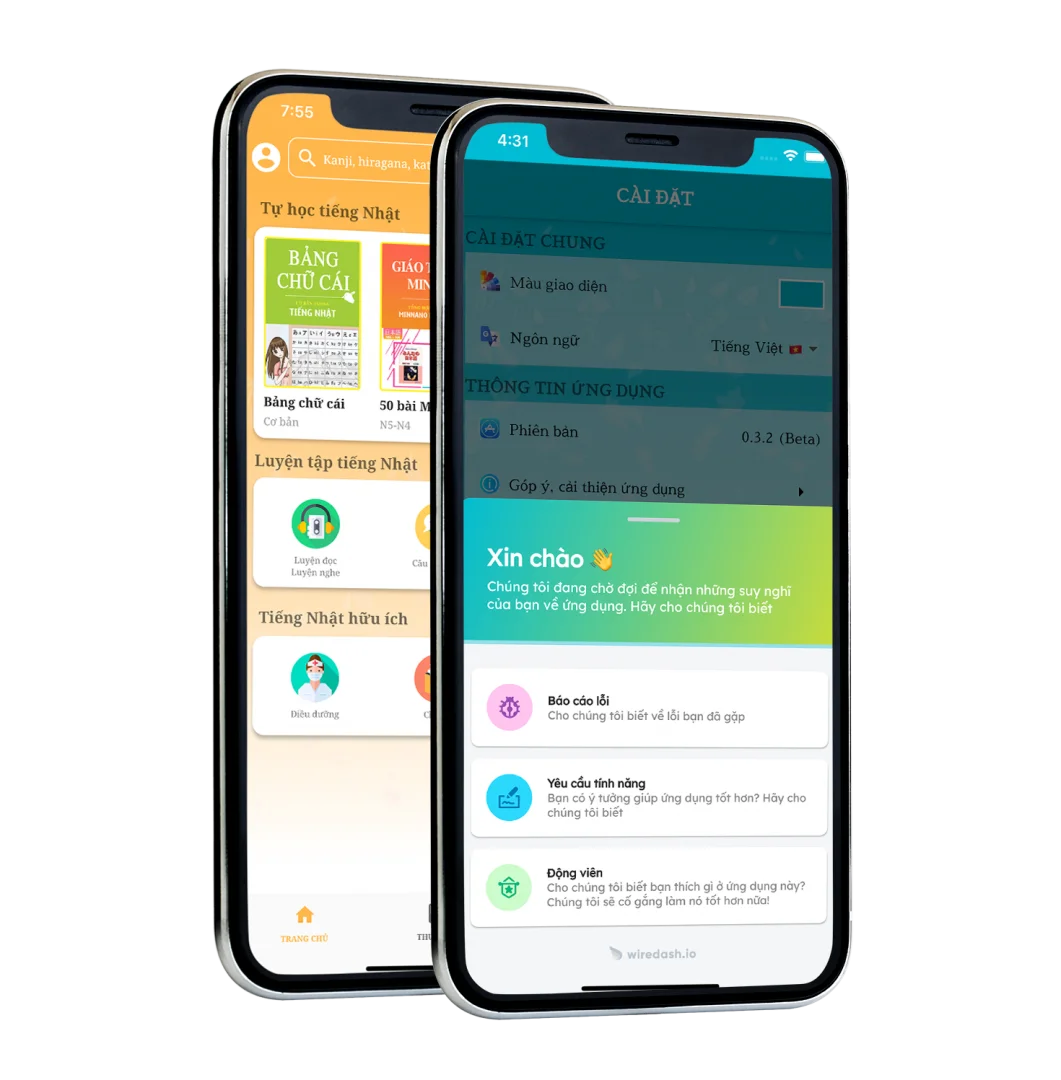
How can I contact the developer for support?- Open the app.
- Go to Settings in the menu.
- Select Feedback and app improvements and follow the instructions on screen.